The new Gemini app for Windows is now available worldwide, giving Windows 10 and 11 users a dedicated desktop client for Google’s AI assistant instead of relying on a browser tab.
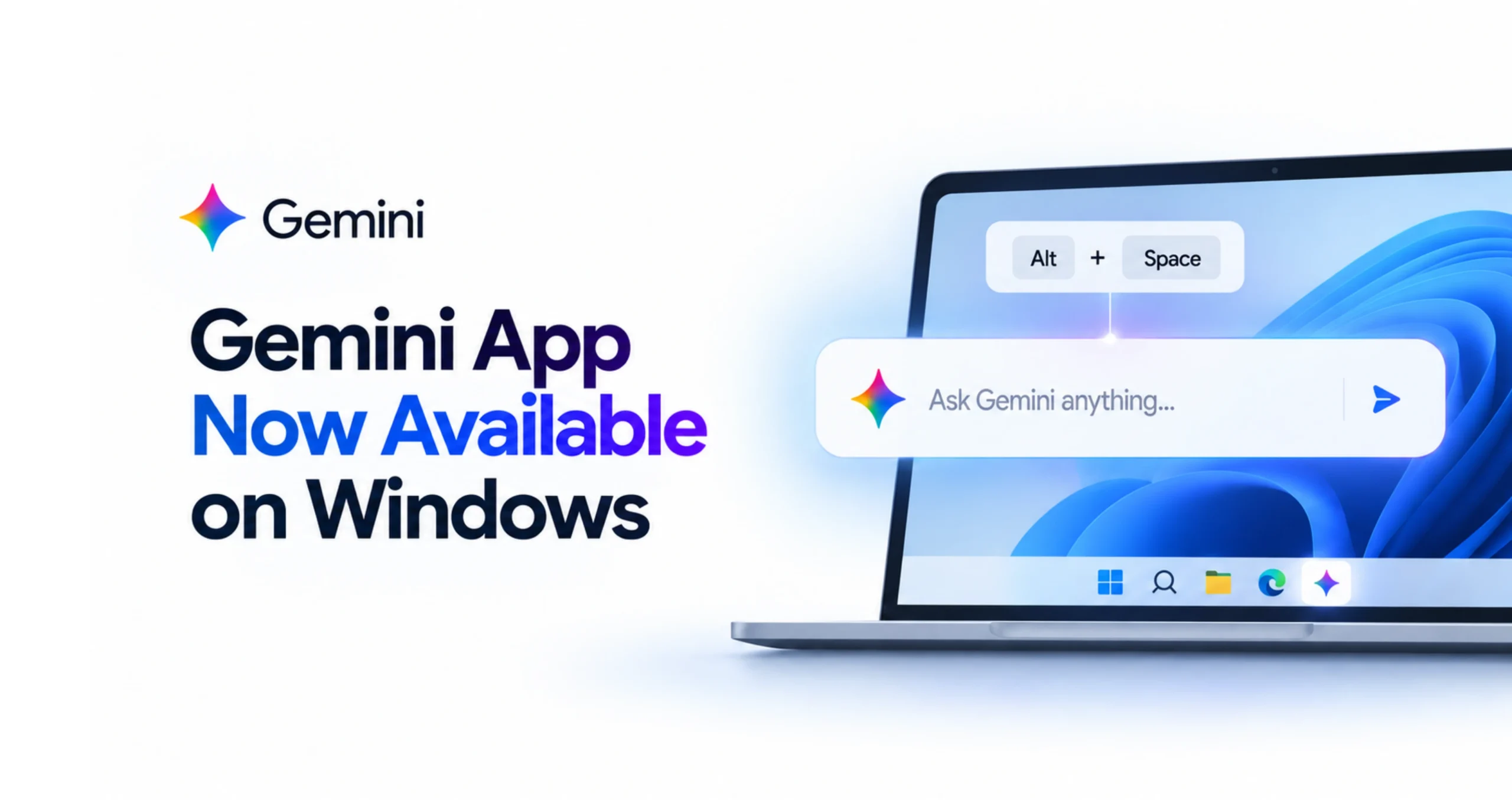
An Alt+Space shortcut for instant access
Google announced the launch on September 10, writing on its official blog that “the new desktop app gives you instant assistance without breaking your flow.” Pressing Alt+Space opens Gemini directly over whatever window is active, letting users fact-check a document, brainstorm text, or generate images without switching tabs.
The app runs on both x64 and ARM64 hardware and connects to the same account and chat history already used on Android, iOS and the web, so a conversation started on a phone can continue on the desktop. It also links to Gmail and Google Drive for pulling in context, and includes Gemini’s image and video generation tools.
Closing the gap with Microsoft and OpenAI
The Gemini app for Windows arrives roughly five months after Google shipped a Mac version, and lands amid intensifying competition on the desktop: Microsoft has spent two years building Copilot into the Windows 11 taskbar, while OpenAI already has its own ChatGPT desktop client installed on millions of PCs. Google says more native desktop capabilities are planned to roll out over time. The app is free to download at gemini.google/desktop, though some features require a Google AI subscription.
Source: Google
Leon Ramoviq
Primary Author · Editorial Reviewer · Researcher Leon Ramoviq is a digital media researcher, content creator, and primary author at Smashology Media. His work focuses on researching, verifying, and developing stories across entertainment, culture, sports, internet trends, curiosity-driven topics, and viral news. Before publishing, Leon reviews sources, cross-checks key claims, and works to ensure that articles are clear, accurately represented, and based on reliable information rather than unverified social-media speculation. With experience in digital media, graphic design, social media content, and online audience engagement, he brings both an editorial and visual perspective to the stories published on Smashology. Leon is particularly interested in how stories spread online, why certain topics capture public attention, and how complex or trending information can be presented in a simple and engaging format. Role at Smashology As a primary author and researcher, Leon is involved in: • Researching stories and identifying original or reliable sources • Writing and developing articles for Smashology • Reviewing facts, names, dates, quotations, and contextual information • Checking stories for misleading or unsupported claims • Reviewing articles before publication • Following developments and updating stories when meaningful new information becomes available • Maintaining editorial consistency across Smashology content Editorial Approach Leon believes engaging content should not come at the expense of accuracy. His approach is to combine strong storytelling with responsible sourcing, clear attribution, and additional verification when a story originates from social media or rapidly developing online discussions.